

Media gallery
Buy product
$11.99
Ongoing product support is included.

In short
WTrading is a highly customisable and user-friendly system that lets players trade items anywhere on the map. It supports extensive third-party integrations to seamlessly fit your server's needs, and many quality-of-life features to enhance the experience for your players.
Description
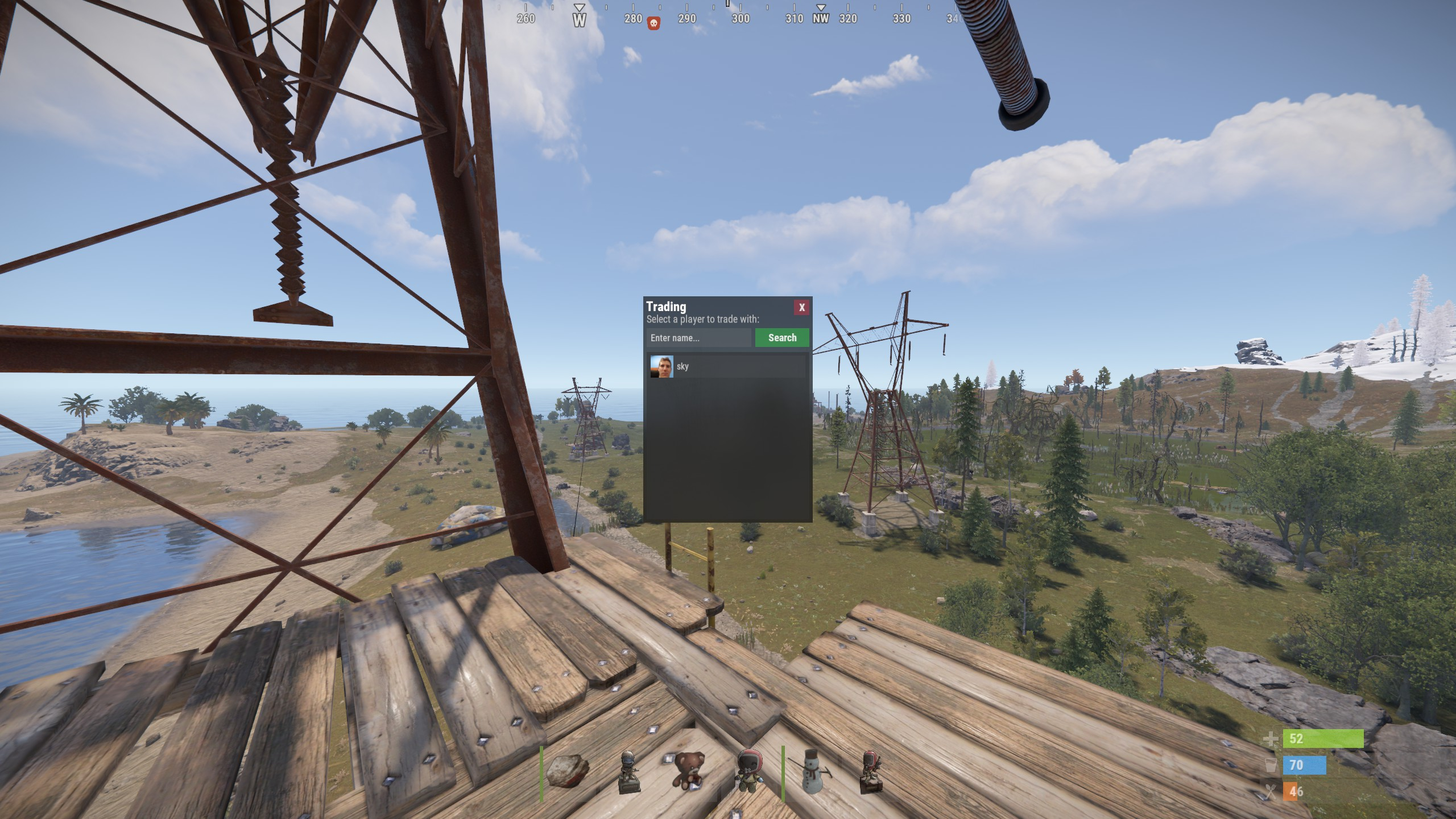
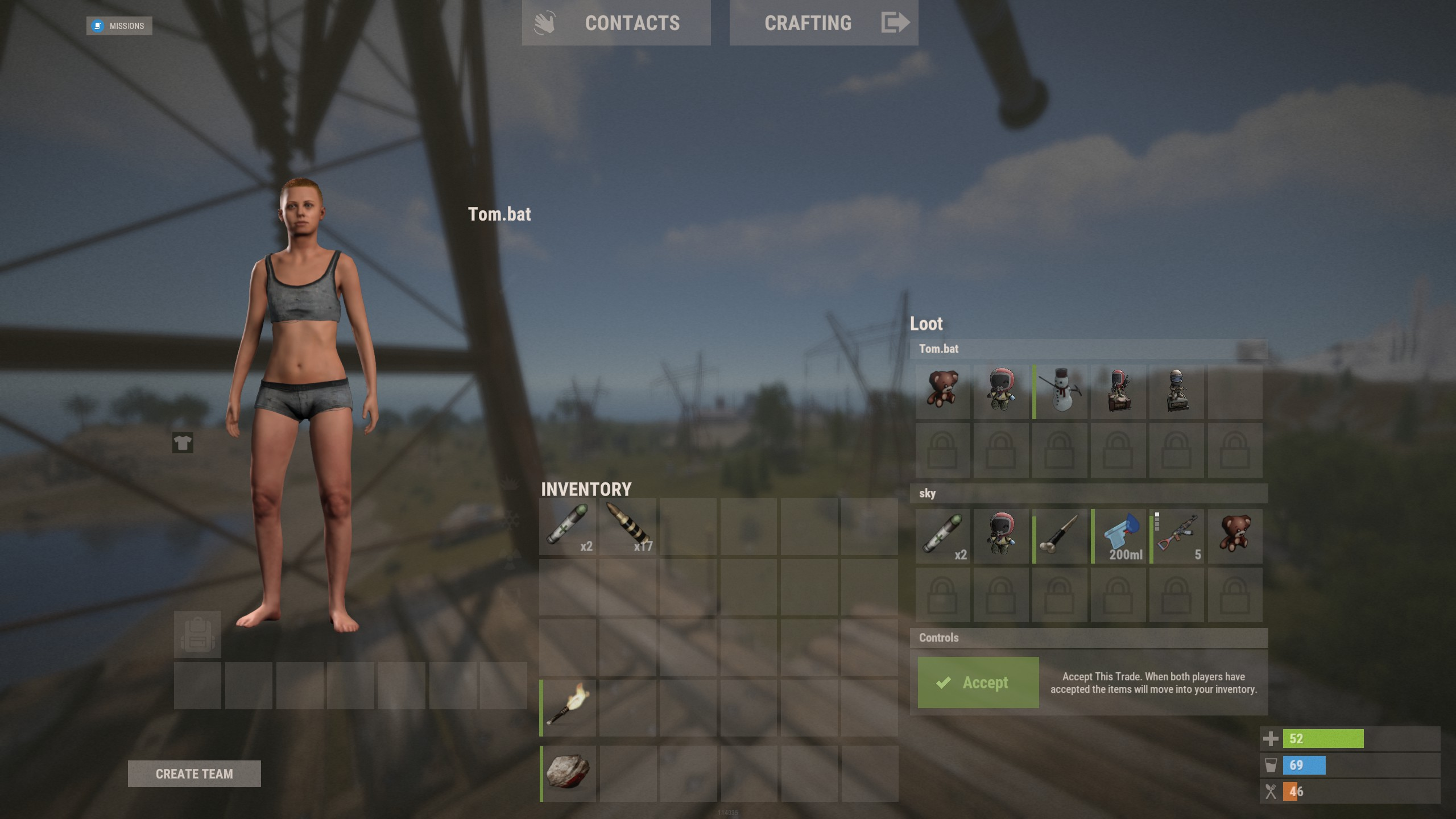
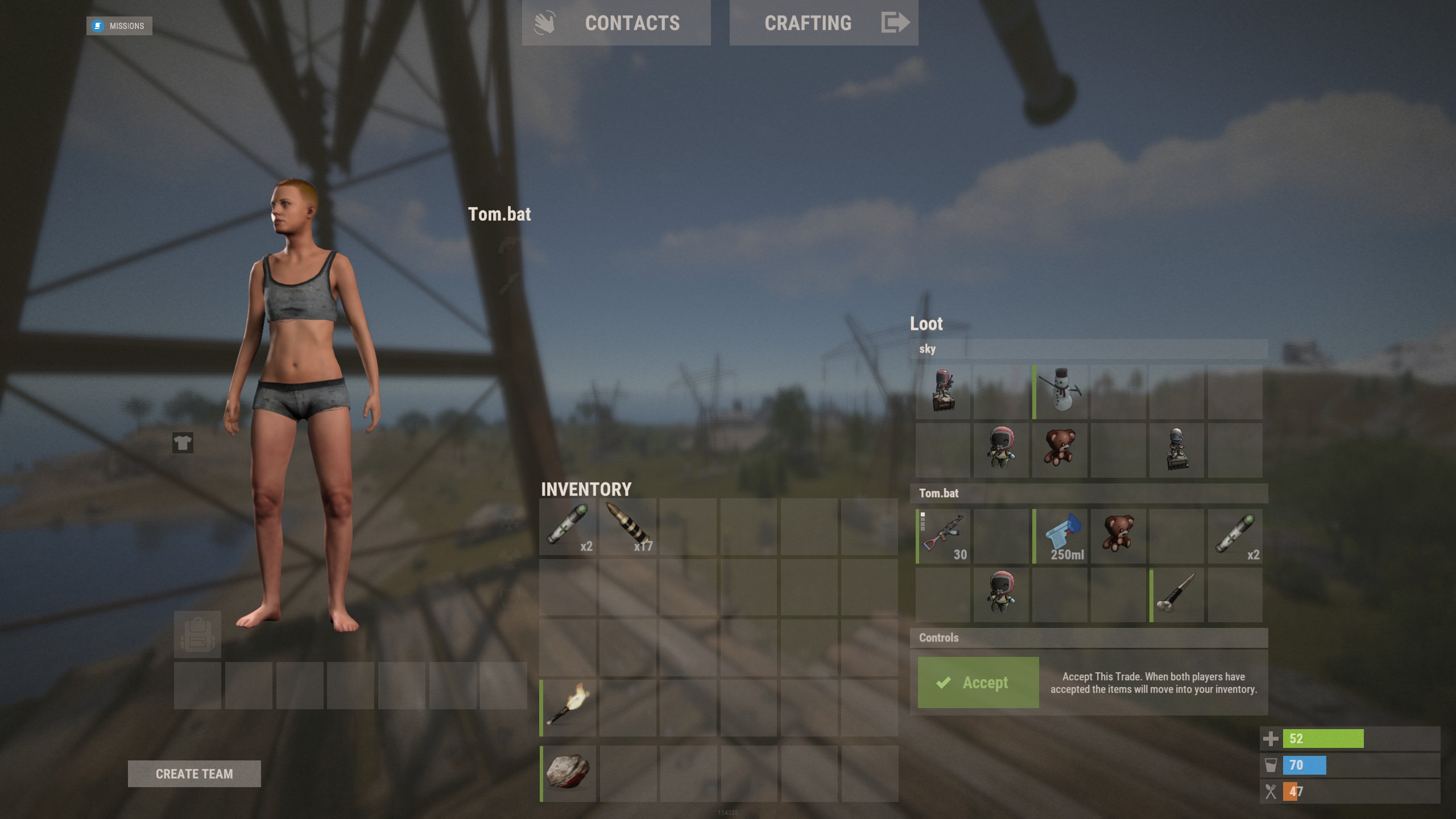
WTrading is a highly optimised and feature-packed trading system designed to make item exchanges seamless and efficient. Players can trade from anywhere on the map using Rust's built-in shopfront loot menu, providing a polished and intuitive interface. Server owners have full control with extensive configuration options, including trade restrictions, custom fees, logging, and third-party integrations to fine-tune the trading experience.
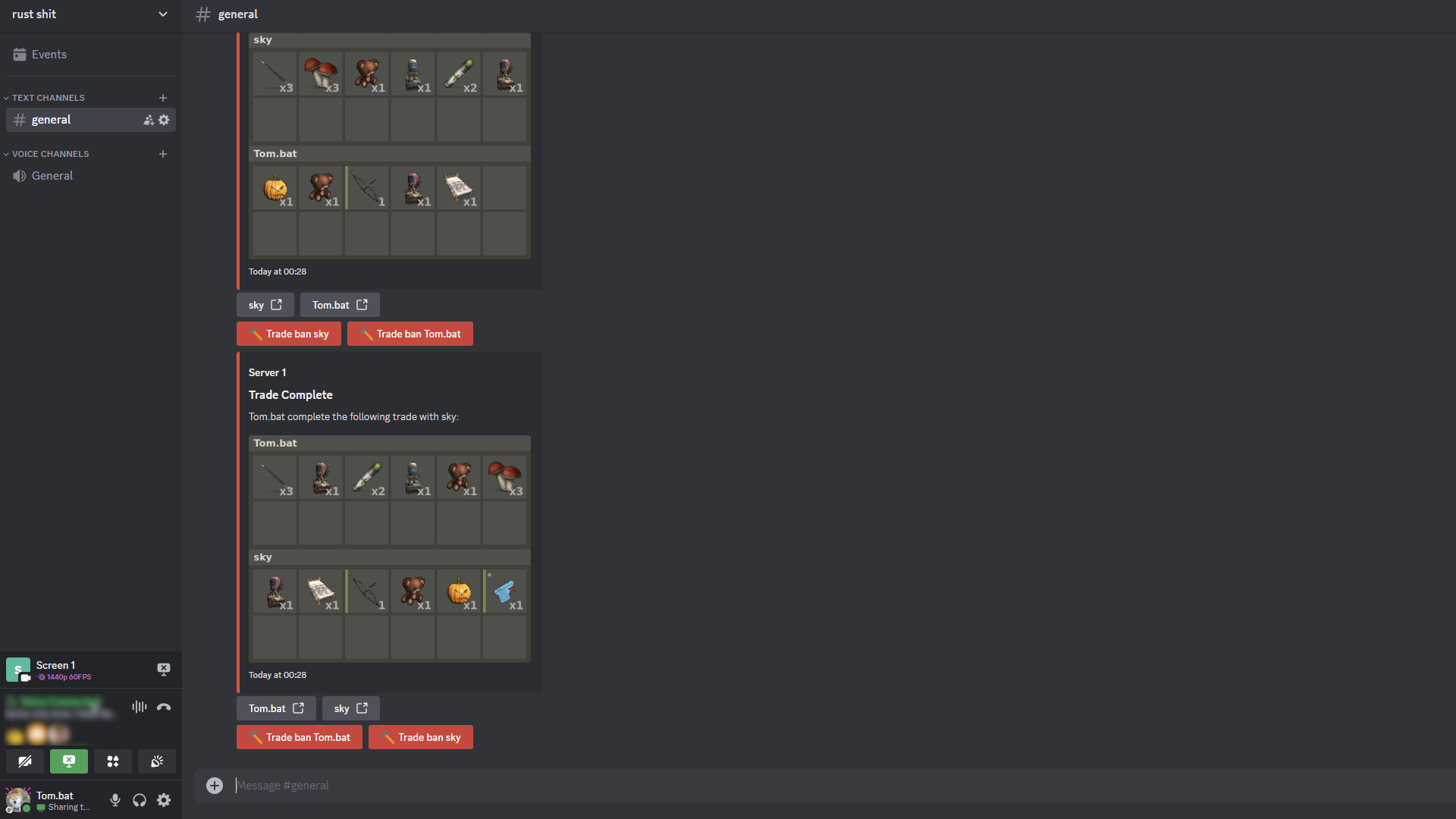
The system is built for flexibility and security, ensuring safe transactions with anti-exploit measures and detailed logging. The optional Discord integration allows administrators to monitor trades in real time, review logs, and issue trade bans directly from Discord, streamlining server management without requiring in-game access. Whether you're running a roleplay economy or a survival-focused server, WTrading delivers a powerful and customisable solution for player-to-player trading.
Features
- Easy and and simple setup.
- UI based player list with searching.
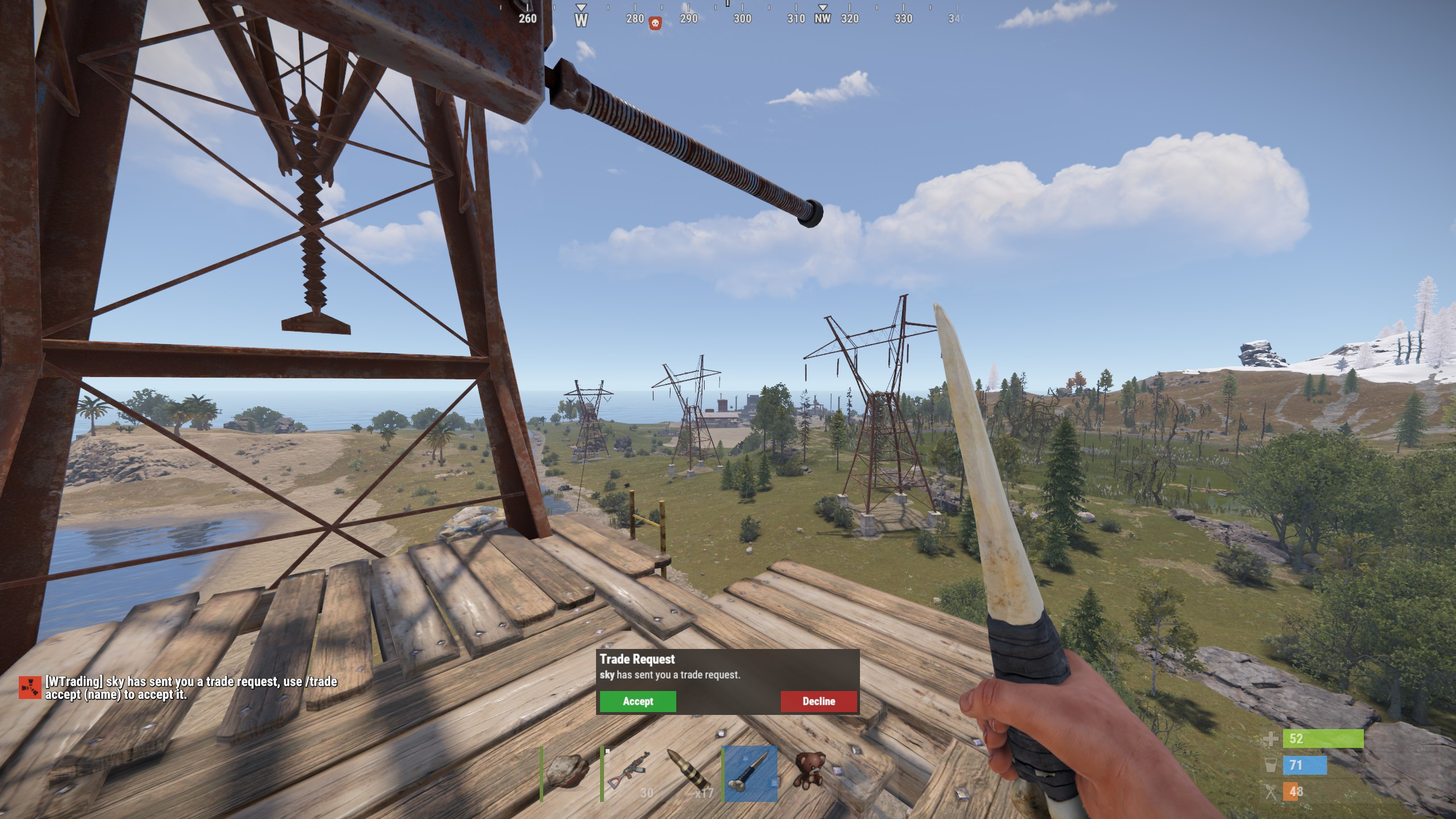
- On-screen notifications and sound effects.
- Fixed and dynamic trade fees based on distance via Economics or Server Rewards.
- Temporary and permanent trade banning system.
- Built-in Discord integration with external moderation functionality.
- Group specific trade cooldowns.
- Daily limits per group.
- Trade slot limits and visual indicators.
- Usage and bypass permissions.
- Item blacklisting.
- Configurable distance restrictions.
- Several toggleable trade restrictions.
- Many in-depth integrations, see integrations tab for a full list.
- Configurable UI positioning and visibility.
- In-depth developer interface.
- Full localisation support.
- Toggleable file or console based logging.
Commands
- /trade {target} - Sends a trade request to the target.
- /trade accept [target] - Accepts the most recent trade request, or the target player's request if specified.
- /trade decline [target] - Declines the most recent trade request, or the target player's request if specified.
- /trade cancel - Cancels your ongoing trade.
- /trade ban {target} {time} - Trade bans the target player for the given length which can be set using the following format: 1h 30m 5s.
- /trade unban {target} - Removes the trade ban from the target player.
Support
Please use the ticket system provided by RustStore for any support requests, make sure to provide sufficient detail and attach log files if possible.